
Short answer
Start with the developer description, inspect your hero unlock requirements, then follow equipment and stage source records.
What the developer describes
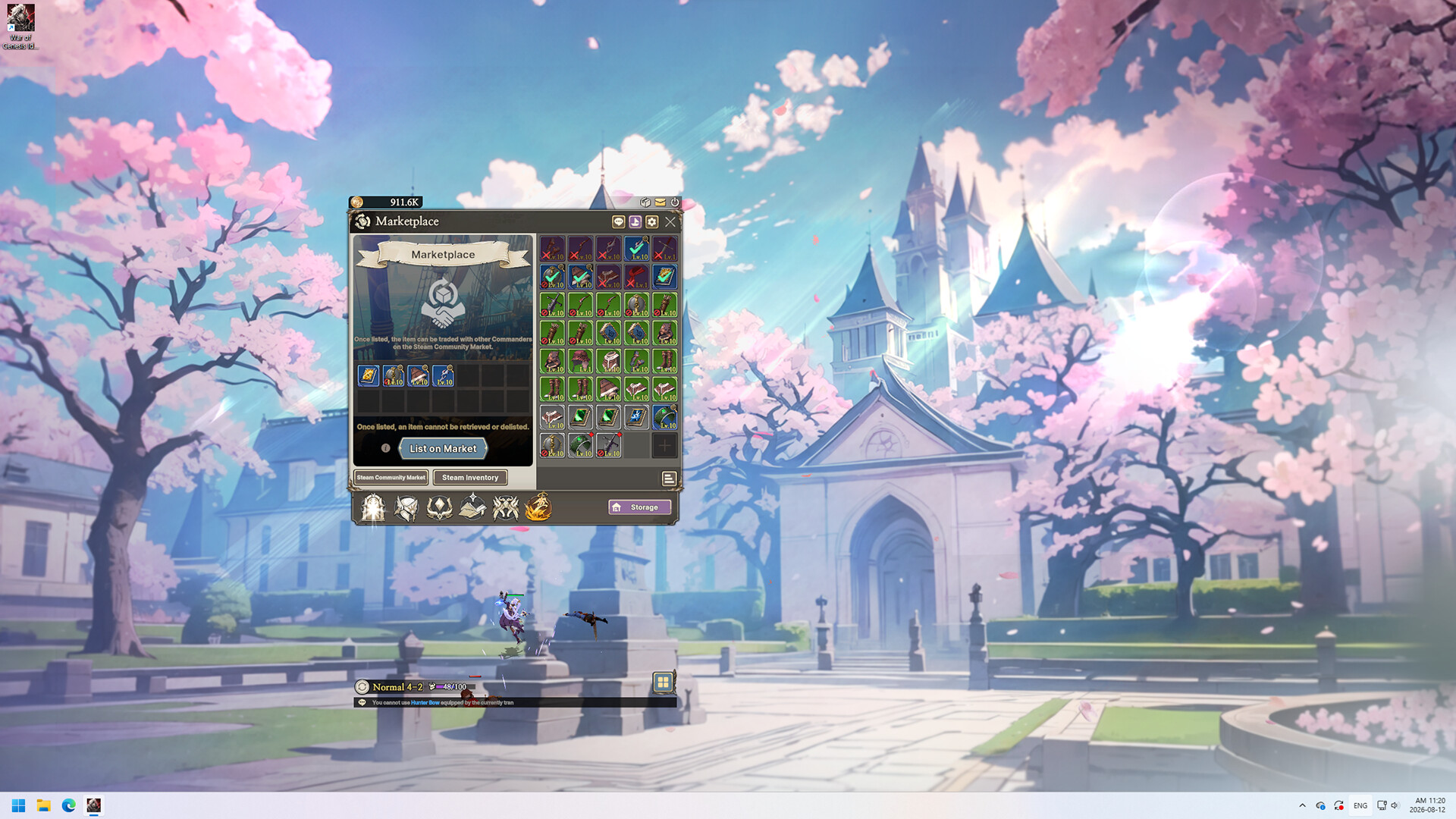
The developer’s Steam description says “No controls required.” The official overview links the developer description of automated progression, stage loot and Steam Community Market trading. It does not establish that every database item can be traded.
How the desktop battle appears

A first reading route
First, open a hero you recognize and read its base stats and unlock requirement. Second, use its numeric class code to browse a matching gear option catalog and inspect LimitLevel and item variants. Third, open a stage source record and follow its reward references. Compare these fields with your in-game observations; reward rates and final combat calculations remain unverified.
Find the character and equipment panels
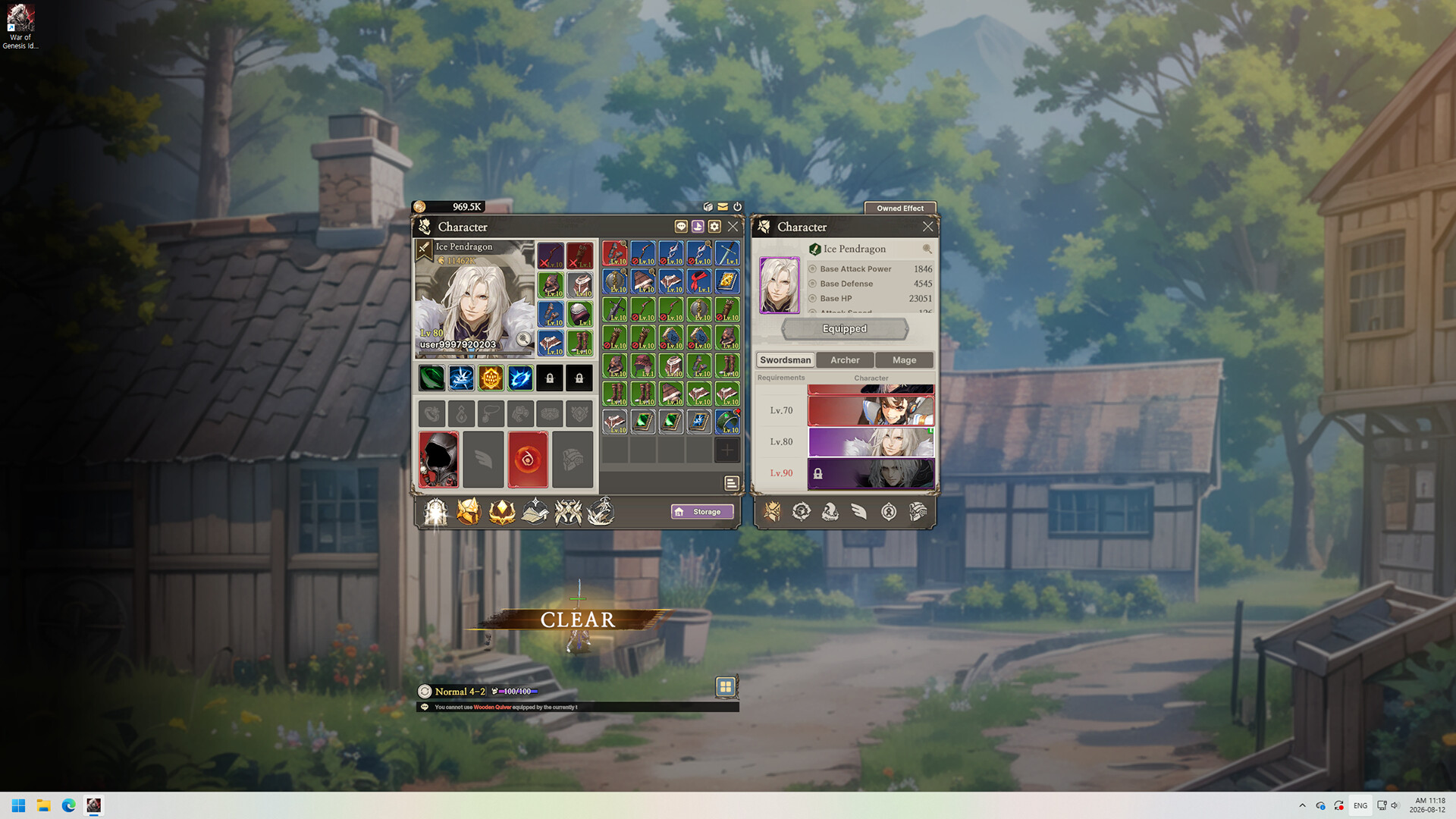
Base stat comparison
| Hero | Class | HP | Attack | Defense | Attack speed | Range | Unlock level |
|---|---|---|---|---|---|---|---|
| Iyolin Pendragon | Knight | 1089 | 171 | 205 | 45 | 2 | 1 |
| Riona Willard | Ranger | 1049 | 190 | 197 | 50 | 2 | 1 |
| Haya Belle | Wizard | 1009 | 209 | 190 | 40 | 5.5 | 1 |
Follow the reference route
- War of Genesis: Idle Loot — Game Overview & How It Plays — Developer description and Early Access limits.
- Best Class in War of Genesis: Idle Loot — Knight vs Ranger vs Wizard
- Iyolin Pendragon — Inspect base values and unlock source fields.
- Riona Willard — Inspect base values and unlock source fields.
- Haya Belle — Inspect base values and unlock source fields.
- Drop source finder
- Reading the database
Recognize the Marketplace panel
Data snapshot 2026-10-10 · Updated 2026-10-17 · Source version and methodology